
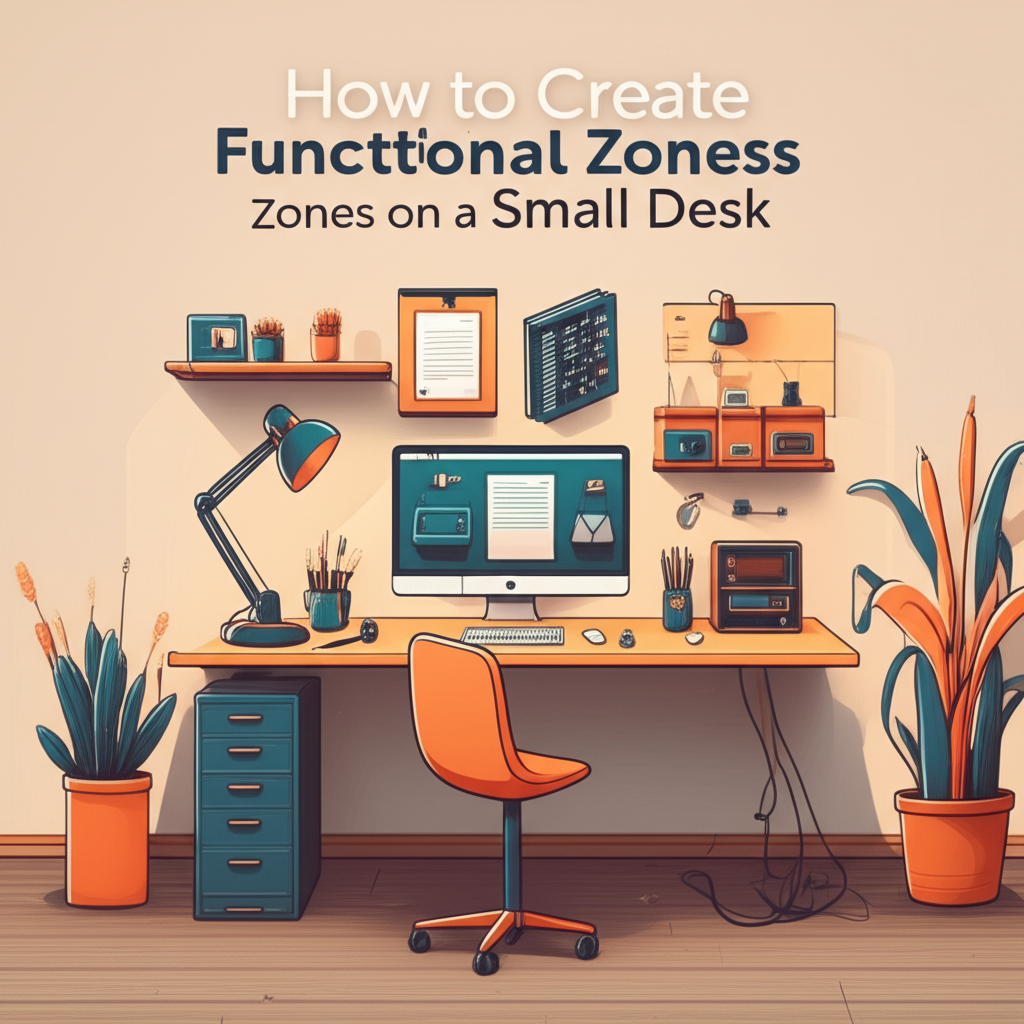
# How to Create Functional Zones on a Small Desk
Working with limited desk space doesn’t mean you have to sacrifice productivity or organization. Whether you’re setting up a home office in a compact apartment, managing a dorm room study area, or simply dealing with the reality of a smaller workspace, the key to success lies in strategic zoning. By dividing your desk into distinct functional areas, you can maximize every square inch while keeping your workflow smooth and your mind clear.
Think of your small desk as valuable real estate where every zone serves a specific purpose. Just as cities organize districts for different activities, your workspace needs designated areas for tasks like writing, digital work, storage, and quick reference materials. The beauty of this approach is that it transforms chaos into clarity—no more shuffling papers around to find your notebook or knocking over your coffee while reaching for supplies. Functional zoning creates visual boundaries that help your brain switch between tasks more efficiently, boosting both focus and creativity.
In this guide, you’ll discover practical strategies for identifying your work priorities, allocating space according to your daily needs, and implementing smart organizational solutions that actually fit on a small desk. From vertical storage hacks to multi-purpose accessories, we’ll show you how to create a workspace that feels spacious, organized, and perfectly tailored to the way you work best.
## Assess Your Daily Workflow and Priorities
Before rearranging anything on your desk, take a moment to analyze how you actually work. Grab a notebook and spend a few days observing your habits. What tasks do you perform most frequently? Do you alternate between digital work and handwritten notes? How often do you need to reference physical documents or books? Understanding these patterns is crucial because your zones should reflect your reality, not an idealized version of how you think you should work.
Most people find their work falls into several core categories: a primary work area for their computer or main task, a writing or note-taking space, a reference zone for frequently accessed materials, and a storage area for supplies. Make a list of your top five daily activities and rank them by frequency. This ranking will directly inform how much desk real estate each zone deserves. Your most frequent tasks should occupy the most accessible positions, while occasional activities can be relegated to less prominent areas.
Identify Your Dominant Hand and Workflow Direction
Your natural handedness plays a significant role in workspace efficiency. Right-handed individuals typically work more comfortably with their primary tools on the right side, while left-handed people benefit from the opposite arrangement. Consider also the natural flow of your work process. If you typically read from documents while typing, position your document holder between your non-dominant side and your keyboard. This simple adjustment can reduce repetitive reaching and improve ergonomics throughout your workday.
## Design Your Primary Work Zone
The primary work zone is your desk’s command center and should occupy approximately 50-60% of your available surface area. This is where your most frequent activity happens, whether that’s typing on a laptop, writing by hand, or working with a tablet. Position this zone directly in front of your chair at the optimal ergonomic distance—typically about an arm’s length away for screens and slightly closer for writing surfaces.
For digital workers, this means your laptop or monitor becomes the anchor of your primary zone. Keep this area as clear as possible with only the essentials present: your computer, keyboard, mouse or trackpad, and perhaps a single notepad for quick notes. Resist the temptation to let this prime real estate become cluttered with items that belong in other zones. Think of it as your stage—everything else is backstage support.
Optimize Screen Positioning and Lighting
Even within your primary zone, micro-positioning matters tremendously. Your screen should sit at eye level to prevent neck strain, which might require a laptop stand or monitor riser. This adjustment has the added benefit of creating valuable storage space underneath for a keyboard, notebook, or shallow storage containers. Position your desk lamp to avoid glare on your screen, typically placing it on the opposite side from your dominant hand to prevent shadows while writing.
## Create a Secondary Task Zone
Your secondary zone handles tasks that complement your primary work but require different tools or posture. This area typically occupies 20-30% of your desk space and sits adjacent to your primary zone. For most people, this becomes a writing and note-taking station positioned on their dominant side for easy access without disrupting their digital workflow.
This zone might contain a notebook or notepad, a pen cup with your favorite writing instruments, and perhaps a small tray for incoming papers or tasks that need attention. The key principle here is containment—use defined boundaries like a desk mat, small tray, or even a folded towel under a blotter to visually separate this zone from others. This boundary signals to your brain that you’re switching contexts, which research suggests can improve focus and reduce mental fatigue.
Multi-Purpose Solutions for Flexibility
In truly small spaces, your secondary zone might need to serve multiple purposes throughout the day. Consider using a clipboard or portable lap desk that can hold your notebook, pens, and immediate paperwork, then be moved aside when you need the space for something else. Magnetic boards or small pegboards mounted on nearby walls can also extend your secondary zone vertically when horizontal space is limited.
## Establish a Reference and Storage Zone
The reference zone is your workspace’s quick-access library, containing materials you consult regularly but don’t need constantly in hand. This zone works best at the back of your desk or along one side, occupying the remaining 10-20% of surface space. Here you might place a vertical file holder for active project folders, a small bookend with frequently referenced books, or a tiered organizer with supplies sorted by category.
The secret to effective reference zones on small desks is vertical thinking. Desktop organizers with multiple tiers, wall-mounted shelves positioned within arm’s reach, and stackable letter trays can dramatically increase your storage capacity without consuming precious horizontal workspace. Magnetic strips mounted under overhead shelves or on nearby walls can hold scissors, rulers, and other metal tools, keeping them visible and accessible but completely off your desk surface.
The Drawer Strategy for Hidden Storage
If your desk includes drawers, treat them as extensions of your reference zone rather than black holes for miscellaneous items. Designate each drawer with a specific purpose: one for writing supplies, another for cords and tech accessories, a third for papers and files. Use drawer dividers or small boxes to create compartments that prevent everything from jumbling together. The most frequently accessed items should live in the top drawer, while seasonal or occasional supplies can occupy lower drawers.
## Implement Buffer Zones and Boundaries
Buffer zones are the unsung heroes of small desk organization. These are intentional empty spaces—usually just a few inches—that separate your functional zones and prevent them from bleeding into each other. A buffer zone might be as simple as a six-inch strip between your laptop and your notebook area, or a small gap between your pen holder and your file organizer. These spaces give your eyes places to rest and prevent the visual overwhelm that makes small spaces feel even more cramped.
Physical boundaries reinforce your zones and make them easier to maintain. Desk mats in different colors or materials can define zones visually. Small trays, boxes, or even strips of washi tape on your desk surface can create clear demarcations. The goal is to make it obvious where things belong, which dramatically reduces the mental effort required to keep your space organized throughout busy workdays.
## Maintain Your Zones with Daily Routines
Creating functional zones is only half the battle—maintaining them requires developing simple daily habits. Implement a two-minute reset routine at the end of each workday: return items to their designated zones, clear your primary work area completely, and do a quick visual check that each zone contains only what belongs there. This small investment of time prevents the gradual chaos that can undo even the best organizational systems.
Weekly, spend five to ten minutes evaluating whether your zones are still serving your needs. Are items migrating between zones? Is one area constantly overflowing while another sits mostly empty? These signals indicate your zones need adjustment. Workspace organization isn’t a set-it-and-forget-it proposition—it’s a responsive system that should evolve with your changing work patterns and priorities.
## Conclusion
Transforming a small desk into an efficient, organized workspace through functional zoning is entirely achievable with thoughtful planning and the right strategies. By assessing your workflow, creating distinct zones for different tasks, thinking vertically, and maintaining clear boundaries, you can maximize every inch of your limited surface area. Remember that the best organizational system is one you’ll actually use, so adapt these principles to fit your unique work style rather than forcing yourself into a rigid framework. Start with one zone, perfect it, then expand—before long, your small desk will feel surprisingly spacious and infinitely more productive.
## Conclusion
Creating functional zones on a small desk is a game-changing strategy that transforms cramped, cluttered workspaces into efficient productivity hubs. By following the principles outlined in this guide—assessing your actual workflow patterns, designing a primary work zone that occupies 50-60% of your surface area, establishing complementary secondary and reference zones, and implementing clear boundaries between areas—you can maximize every square inch of your limited desk space. The key is to think vertically, use your dominant hand positioning to your advantage, and maintain intentional buffer zones that prevent visual overwhelm.
Remember that successful desk organization isn’t about achieving magazine-worthy perfection; it’s about creating a system that supports your unique work style and daily tasks. Your zones should evolve as your work patterns change, so approach this as an ongoing refinement rather than a one-time project. The two-minute daily reset routine and weekly evaluation checks ensure your organizational system remains functional and responsive to your needs rather than becoming another source of stress.
The difference between a chaotic desk and an organized one often comes down to intentional design rather than available space. Even the smallest desk can accommodate multiple functional zones when you’re strategic about placement, use vertical storage solutions, and maintain clear boundaries. The improved focus, reduced stress, and enhanced productivity you’ll experience make the initial investment of time and thought entirely worthwhile.
Ready to transform your workspace? Start today by observing your work habits for just a few days and identifying your top five most frequent tasks. Then tackle your primary work zone first—clear everything off your desk, position your main tool at the optimal ergonomic distance, and add back only the absolute essentials. Once you’ve perfected this foundation, gradually build out your secondary and reference zones. Take a photo of your newly organized desk and revisit it in a few weeks to see how your system has evolved. Share your small desk organization wins and challenges in the comments below—your experience might be exactly what someone else needs to hear to start their own workspace transformation journey!
