
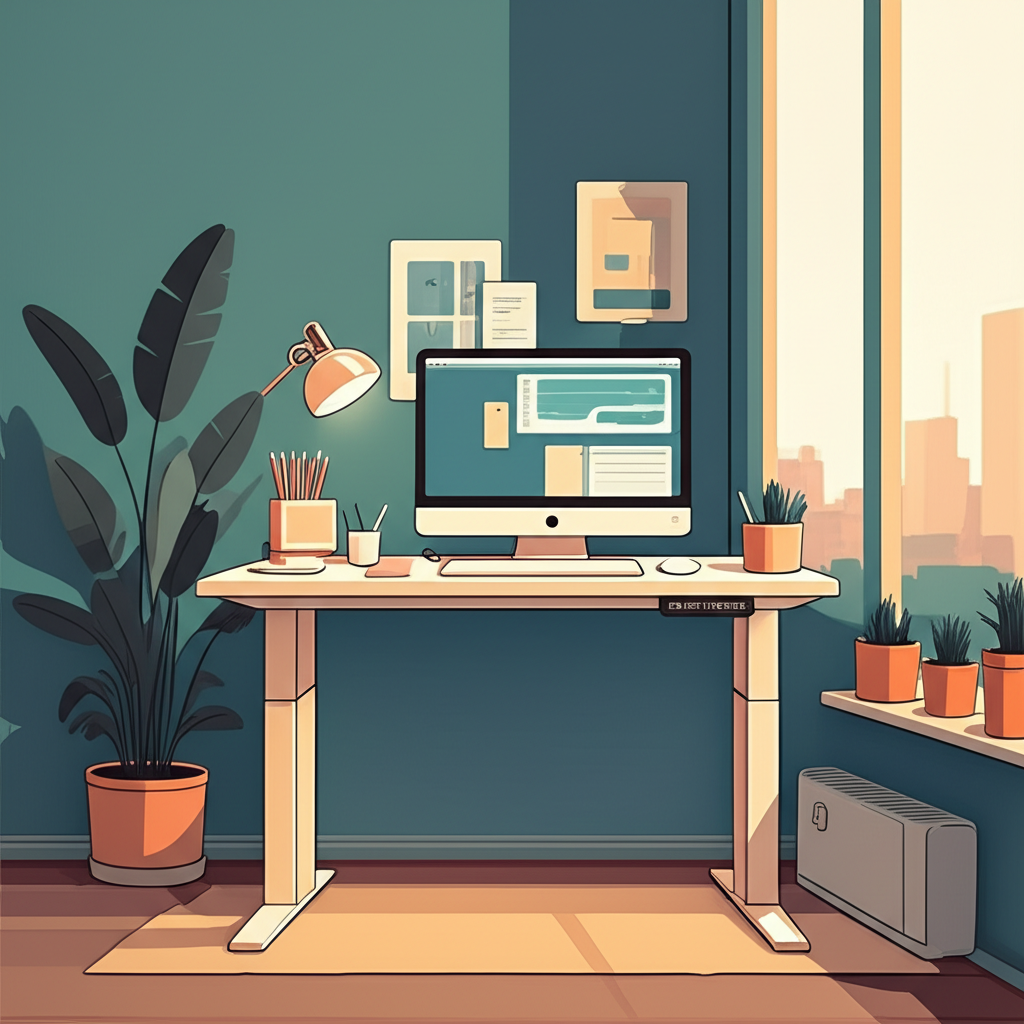
# Standing Desk Ergonomic Tips for Compact Spaces
Working from home in a small apartment or cramped office space doesn’t mean you have to sacrifice your health and comfort. Standing desks have revolutionized the way we work, offering a dynamic alternative to traditional seated workstations, but many people believe they need abundant square footage to reap the benefits. The truth is, even the most compact spaces can accommodate an ergonomic standing desk setup that promotes better posture, increased energy levels, and improved productivity throughout your workday.
The challenge with small spaces isn’t just about fitting furniture—it’s about creating an efficient, ergonomic workspace that doesn’t compromise your physical well-being or crowd your living area. Poor ergonomics can lead to neck pain, back strain, and repetitive stress injuries, regardless of whether you’re sitting or standing. When you’re working with limited space, every inch matters, and strategic planning becomes essential to ensure your standing desk setup supports your body correctly while maximizing your available room.
In this comprehensive guide, we’ll explore practical, space-saving strategies to help you design the perfect ergonomic standing desk setup for your compact workspace. From choosing the right desk dimensions and monitor placement to optimizing your floor space and incorporating essential accessories, you’ll discover how to transform even the smallest corner into a health-conscious, productive work environment that works with your space constraints, not against them.
## Understanding Ergonomic Fundamentals for Standing Desks
Before diving into space-saving solutions, it’s crucial to understand the core principles of standing desk ergonomics. Proper ergonomics begin with correct body alignment, which remains constant whether you have a sprawling home office or a tiny corner workspace. Your monitor should be positioned at arm’s length away, with the top of the screen at or slightly below eye level to prevent neck strain.
When standing, your elbows should form a 90-degree angle when typing, with your wrists in a neutral position parallel to the floor. Your feet should be flat on the ground, hip-width apart, with your weight distributed evenly. These fundamental principles apply to all standing desk setups, but implementing them in compact spaces requires creative problem-solving and strategic furniture choices.
Research indicates that alternating between sitting and standing throughout the day provides the most health benefits, reducing the risk of cardiovascular disease by up to 147% compared to prolonged sitting. The ideal ratio involves standing for 15-30 minutes for every hour of sitting, though this can vary based on individual comfort and fitness levels.
## Choosing the Right Standing Desk for Limited Space
Compact Desk Dimensions
The first step in creating an ergonomic standing desk setup in a small space is selecting furniture with appropriate dimensions. Standard standing desks range from 48 to 72 inches wide, but compact models between 40 and 48 inches can provide adequate workspace while saving valuable floor space. Look for desks with depths between 24 and 30 inches—anything less may compromise your ability to position your monitor at the proper distance.
Wall-mounted standing desks offer an excellent solution for extremely tight spaces. These fold-up designs attach directly to your wall and can be raised or lowered as needed, then folded away when not in use. Similarly, standing desk converters that sit atop existing furniture can transform any surface into an adjustable workstation without requiring dedicated floor space.
Adjustability Features
In compact spaces, versatility becomes paramount. Electric or pneumatic height-adjustable desks allow you to seamlessly transition between sitting and standing positions, making them ideal for small apartments where you may need to use your workspace for multiple purposes. Manual crank adjustments work well too and typically cost less, though they require more effort to adjust.
Single-column standing desks occupy less floor space than dual-column models while still providing stability for lighter setups. If your workspace includes just a laptop or single monitor with minimal accessories, a single-column desk may be the perfect space-saving solution without sacrificing functionality.
## Optimizing Monitor Placement and Viewing Angles
Proper monitor positioning is critical for preventing eye strain and neck pain, but it can be challenging in confined areas. Your screen should be positioned directly in front of you, approximately 20 to 28 inches from your eyes. The top of your monitor should align with or sit just below eye level, requiring you to look slightly downward at a 10 to 20-degree angle when viewing the center of the screen.
Monitor arms provide exceptional flexibility in small spaces by freeing up valuable desk surface area and allowing you to adjust screen position precisely. These articulating mounts attach to your desk edge or wall, extending and retracting as needed while keeping your workspace uncluttered. Gas spring monitor arms offer smooth, effortless adjustment with a minimal footprint.
For laptop users, an external monitor or laptop stand becomes essential for maintaining proper ergonomics. Elevating your laptop screen to the correct height prevents the hunched posture that leads to neck and shoulder pain, though you’ll need an external keyboard and mouse to maintain proper arm position.
## Maximizing Vertical Space and Storage Solutions
When floor space is limited, thinking vertically transforms your ergonomic setup. Wall-mounted shelves above your standing desk provide storage for office supplies, reference materials, and personal items without encroaching on your working area. Pegboards offer customizable organization systems that can hold everything from headphones to cable management accessories.
Floating shelves positioned within arm’s reach keep frequently used items accessible while maintaining an uncluttered desktop surface. This arrangement supports the ergonomic principle of keeping commonly used objects within your primary reach zone—the area you can access without bending or stretching excessively.
Under-desk storage solutions, including rolling file cabinets and slim drawer units, utilize otherwise wasted space beneath your standing desk. Choose models with dimensions that fit comfortably under your desk at its lowest setting, ensuring they don’t interfere with your standing position or become obstacles for your anti-fatigue mat.
## Essential Accessories for Compact Standing Desk Setups
Anti-Fatigue Mats
An anti-fatigue mat is non-negotiable for standing desk users, reducing pressure on your feet, legs, and lower back by up to 50%. In compact spaces, choose mats sized between 20 x 30 inches and 24 x 36 inches—large enough to accommodate natural shifting movements but small enough to avoid becoming a tripping hazard or consuming excessive floor space.
Look for mats with beveled edges that lay flat against your floor, reducing trip risks in tight quarters. Some compact anti-fatigue mats feature built-in massage textures or terrain variations that encourage subtle movements and muscle engagement while standing.
Cable Management Systems
Tangled cables create both visual clutter and safety hazards in small workspaces. Cable management becomes especially important when working with height-adjustable desks, as cables must accommodate movement without pulling on devices or creating tension. Under-desk cable trays, adhesive cable clips, and cable sleeves keep wires organized and out of sight while preventing snags during desk height adjustments.
Wireless peripherals eliminate cable clutter entirely, though they require regular charging. If you opt for wireless devices, designate a specific charging station away from your primary workspace to maintain organization.
Compact Keyboard and Mouse Options
Full-sized keyboards can overwhelm small desk surfaces. Tenkeyless keyboards remove the numeric keypad, reducing width by approximately 20% while retaining all essential keys. These compact options provide adequate typing space while leaving room for your mouse and other essentials.
Ergonomic mice designed for smaller hands or vertical mice that promote neutral wrist position should fit comfortably within your reach zone. Consider mouse pads with integrated wrist supports that add ergonomic benefits without requiring extra space.
## Creating Flexible Multi-Purpose Workspaces
In compact living situations, your standing desk area may need to serve multiple functions. Mobile standing desks with locking casters allow you to reposition your workspace as needed, rolling it aside when you need to use the space for other activities. This flexibility proves invaluable in studio apartments or shared living spaces.
Foldable desk extensions provide temporary additional work surface when needed for specific tasks, then tuck away to restore your compact footprint. Similarly, nesting tables can slide under your standing desk when not in use, then pull out to provide extra surface area for projects, meals, or storage.
## Lighting and Visual Comfort Considerations
Proper lighting prevents eye strain and headaches, contributing significantly to ergonomic wellness. In small spaces, desk-mounted LED lamps with adjustable arms provide targeted task lighting without occupying precious desk surface. Position your light source to illuminate your workspace without creating glare on your monitor screen.
Natural light offers ideal illumination, but position your desk perpendicular to windows rather than directly facing them to minimize screen glare and prevent harsh backlighting that strains your eyes. If your compact space lacks natural light, consider full-spectrum bulbs that mimic daylight and reduce eye fatigue during extended work sessions.
## Maintaining Proper Posture and Movement
Ergonomic equipment means little without proper use. Set reminders to alternate between sitting and standing positions every 30 to 60 minutes, preventing the fatigue that comes from maintaining any single position too long. In compact spaces, incorporate subtle movements like weight shifting, calf raises, or gentle stretching to maintain circulation and muscle engagement.
Your compact workspace should encourage natural movement patterns rather than restricting them. Ensure you have enough clearance to step back from your desk, perform basic stretches, and shift positions comfortably throughout your workday, as these micro-movements contribute significantly to overall ergonomic health.
## Conclusion: Creating Your Ideal Ergonomic Standing Desk in Any Space
Establishing an ergonomic standing desk setup in a compact space is entirely achievable with thoughtful planning and strategic choices. The key principles remain consistent regardless of your square footage: maintain proper body alignment with your monitor at eye level, elbows at 90 degrees, and feet flat on the ground. By selecting appropriately sized furniture—such as desks between 40 and 48 inches wide or wall-mounted alternatives—you can create a functional workspace without overwhelming your room.
Remember that vertical storage solutions, monitor arms, and compact accessories maximize your available space while maintaining ergonomic integrity. Essential elements like anti-fatigue mats, proper lighting, and cable management systems transform even the smallest corner into a comfortable, productive workstation. The alternating sit-stand routine of 15-30 minutes of standing per hour provides significant health benefits, making your investment in ergonomic setup worthwhile regardless of space constraints.
Your compact workspace should enhance rather than hinder your productivity and well-being. Multi-purpose furniture with adjustability features ensures your standing desk adapts to your changing needs throughout the day, while proper monitor positioning and adequate lighting prevent the eye strain and neck pain that plague many home office workers.
Don’t let limited space discourage you from creating a healthy, ergonomic work environment. Start by assessing your available area and prioritizing the fundamental ergonomic principles discussed throughout this guide. Whether you opt for a wall-mounted fold-up desk, a standing desk converter, or a compact single-column model, the right setup will support your posture, reduce discomfort, and improve your overall work experience.
Ready to transform your compact space into an ergonomic powerhouse? Begin by measuring your available area and evaluating which space-saving solutions align with your work requirements and budget. Invest in quality adjustable furniture that will serve you for years to come, and complement it with accessories like monitor arms and anti-fatigue mats that maximize both comfort and functionality. Your body will thank you for making ergonomics a priority, one small space solution at a time.
