
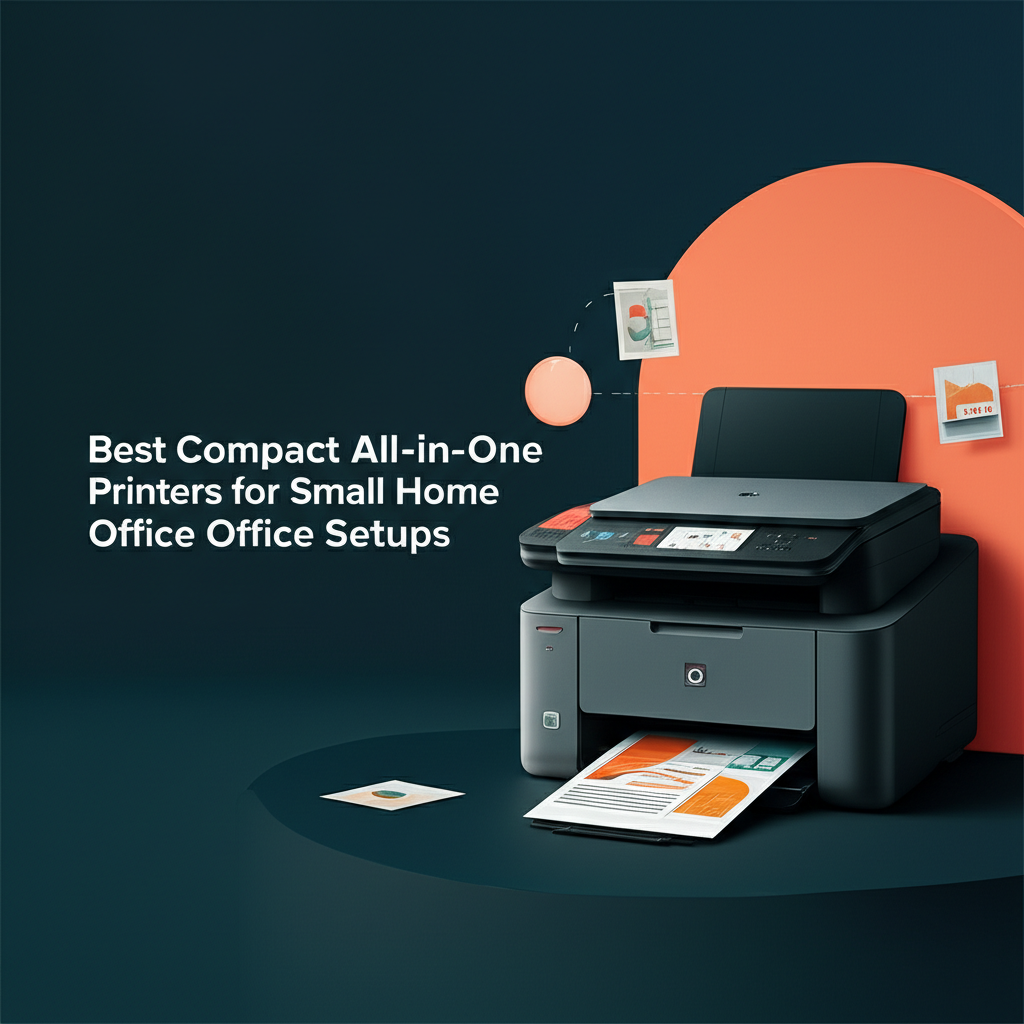
Finding the perfect printer for your small home office can feel like navigating a maze of technical specifications, conflicting reviews, and budget constraints. You need a device that doesn’t monopolize your limited workspace, yet still delivers professional-quality prints, scans, and copies without compromise. The good news? Compact all-in-one printers have evolved dramatically, packing enterprise-level features into sleek, space-saving designs that fit perfectly on corner desks, shelving units, or even small filing cabinets.
Whether you’re a freelancer printing client proposals, a remote worker scanning important documents, or a small business owner managing invoices and contracts, the right compact printer can transform your productivity. Today’s models offer impressive wireless connectivity, mobile printing capabilities, and surprising speed—all while maintaining a footprint small enough to preserve your valuable workspace. However, not all compact printers are created equal, and choosing the wrong one can lead to frustration, wasted money, and compromised print quality.
In this comprehensive guide, we’ll explore the best compact all-in-one printers specifically designed for small home office environments. We’ll break down the essential features you should prioritize, compare top-performing models across different price points, and help you identify which printer best matches your unique needs and workflow. By the end, you’ll have all the information needed to make a confident, informed decision that will serve your home office for years to come.
What Makes a Printer “Compact” and Why It Matters
Before diving into specific models, it’s crucial to understand what qualifies a printer as truly compact and why this matters for your home office setup. A compact all-in-one printer typically measures less than 18 inches wide and 16 inches deep, with a height under 8 inches. This footprint allows the device to fit comfortably on small desks, shelves, or side tables without dominating your workspace.
The importance of compact design extends beyond mere space-saving. Smaller printers often consume less power, generate less heat, and operate more quietly than their full-sized counterparts—all valuable considerations when your office shares space with your living area. Additionally, compact models tend to be lighter and more portable, making them ideal if you occasionally need to relocate your equipment or work from different locations within your home.
Essential Features to Prioritize in Small Office Printers
Print Quality and Speed
While compact size is important, performance should never be sacrificed. Look for printers offering at least 600 x 600 dpi resolution for standard documents, with higher resolutions available for photo printing if needed. Print speed matters significantly when you’re managing multiple clients or projects. Most quality compact printers deliver between 10 to 20 pages per minute for black-and-white documents, which suffices for typical home office demands.
Connectivity Options
Modern compact printers should offer multiple connectivity options to support your workflow flexibility. Wi-Fi connectivity is essential, allowing you to print from anywhere in your home without cable clutter. Look for models supporting both Wi-Fi Direct and standard network connections. Mobile printing capabilities through platforms like Apple AirPrint, Google Cloud Print alternatives, and manufacturer-specific apps enable seamless printing from smartphones and tablets.
Scanning and Copying Capabilities
The scanning function deserves careful consideration. Flatbed scanners handle bound documents and books better, while automatic document feeders (ADF) excel at processing multi-page documents quickly. For home offices dealing with contracts, receipts, or client documents, an ADF capacity of at least 10-20 sheets provides adequate convenience. Scan resolution should reach at least 1200 dpi for capturing fine details in important documents.
Inkjet vs. Laser: Which Technology Suits Your Needs?
The fundamental choice between inkjet and laser technology significantly impacts your printing experience and long-term costs. Inkjet printers excel at color reproduction and photo printing, making them ideal if your work involves marketing materials, presentations, or client-facing documents with graphics. They typically cost less upfront and maintain a smaller footprint, though ink cartridges can become expensive with heavy use.
Laser printers, conversely, deliver faster print speeds and lower per-page costs for high-volume black-and-white printing. They’re perfect for text-heavy documents like contracts, invoices, and reports. Compact laser models have become increasingly affordable and space-efficient, though they generally sacrifice color printing quality compared to inkjets. Consider your primary printing needs: if you print more than 500 pages monthly, laser technology often provides better value despite higher initial costs.
Top Compact All-in-One Printers by Category
Best Budget-Friendly Option
For home office owners watching their budget, entry-level compact printers offer surprising functionality without breaking the bank. These models typically range from $100 to $200 and provide basic printing, scanning, and copying capabilities. While they may lack advanced features like automatic duplex printing or large-capacity paper trays, they deliver reliable performance for light to moderate use.
Budget models often feature straightforward setup processes and intuitive control panels, making them accessible even for users with limited technical expertise. However, pay careful attention to ink or toner costs, as some manufacturers offset low printer prices with expensive consumables. Calculate the cost per page before purchasing to avoid unpleasant surprises.
Best Mid-Range All-Rounder
Mid-range compact printers, priced between $200 and $400, represent the sweet spot for most small home offices. These devices balance affordability with enhanced features like automatic duplex printing, larger paper capacities (150-250 sheets), and faster print speeds. Many include touchscreen controls, improved scanning resolution, and more robust mobile printing support.
This category often features refillable ink tank systems or high-yield toner cartridges that dramatically reduce per-page costs. For freelancers and small business owners with consistent printing needs, investing in this range typically provides the best long-term value. The improved build quality also means better reliability and longevity compared to budget alternatives.
Best Premium Compact Printer
Premium compact printers exceeding $400 deliver professional-grade performance in remarkably small packages. These models boast exceptional print quality, lightning-fast speeds, advanced security features, and extensive connectivity options. Many include features like automatic document feeders with 50+ sheet capacity, advanced color management, and direct cloud integration.
While the upfront investment is substantial, premium models justify their cost through superior efficiency, lower operating costs, and extended warranties. They’re ideal for serious professionals who depend on their printer daily and cannot afford downtime or quality compromises. The enhanced durability means these printers often last significantly longer than budget alternatives.
Key Considerations Before Making Your Purchase
Monthly Print Volume
Honestly assess your printing needs before selecting a model. Manufacturers specify recommended monthly print volumes for each printer, and exceeding these limits accelerates wear and increases maintenance requirements. Light users printing fewer than 200 pages monthly can choose basic models, while those printing 500+ pages should invest in more robust options designed for higher volumes.
Ink and Toner Economics
The true cost of printer ownership extends far beyond the purchase price. Research replacement ink or toner costs and calculate the cost per page for both black-and-white and color printing. Some printers with low purchase prices have extremely expensive consumables, making them costly over time. Ink tank systems or subscription services can provide significant savings for regular users.
Physical Dimensions and Weight
Measure your intended printer location before purchasing. Account for additional space needed when paper trays are extended or the scanner lid is open. Consider whether you’ll need to move the printer occasionally—lighter models offer more flexibility, while heavier units provide stability but limit portability.
Making the Final Decision
Selecting the perfect compact all-in-one printer requires balancing multiple factors: your available space, printing volume, quality requirements, and budget constraints. Start by identifying your non-negotiable features, then prioritize additional capabilities based on your workflow. Read user reviews focusing on long-term reliability and customer service experiences, as these factors significantly impact satisfaction beyond initial specifications.
Remember that the best printer for your home office is the one that seamlessly integrates into your daily workflow without demanding excessive attention or maintenance. Invest time in research now to ensure years of reliable, productive service from your chosen device.
Conclusion: Finding Your Perfect Compact Printing Solution
Choosing the right compact all-in-one printer for your small home office ultimately comes down to understanding your specific needs and matching them with the appropriate technology and features. As we’ve explored throughout this guide, truly compact printers—those measuring under 18 inches wide and 16 inches deep—offer far more than just space savings. They provide energy efficiency, quieter operation, and the portability that modern home-based professionals require.
The key decisions you’ll face revolve around several critical factors. First, determine whether inkjet or laser technology better suits your printing patterns. If you prioritize vibrant color reproduction and print fewer than 500 pages monthly, inkjet models deliver excellent results at a lower entry price. For high-volume text document printing, compact laser printers offer superior speed and cost efficiency despite their higher initial investment.
Your budget considerations should extend beyond the sticker price. The most economical printer isn’t necessarily the cheapest to purchase—it’s the one with the lowest total cost of ownership. Calculate your cost per page by researching ink or toner replacement prices, and consider models with refillable ink tank systems or high-yield cartridges if you print regularly. This analysis often reveals that mid-range printers ($200-$400) provide the best value proposition for most home office setups, balancing upfront costs with long-term savings.
Don’t overlook the importance of connectivity and convenience features that match your workflow. Wi-Fi connectivity, mobile printing support, and automatic document feeders transform your printer from a basic output device into a productivity hub. These features become increasingly valuable as your business grows and your printing needs evolve.
Physical measurements matter more than many first-time buyers realize. Before making your purchase, measure your available space carefully, accounting for the additional room needed when paper trays extend and scanner lids open. Consider the printer’s weight if you anticipate moving it between locations, and think about placement relative to power outlets and your primary work area.
Remember that print quality and speed requirements vary significantly based on your professional needs. A graphic designer requires different capabilities than an accountant or consultant. Identify your non-negotiable features first, then prioritize additional capabilities that enhance rather than complicate your workflow.
Now it’s time to take action. Start by creating a checklist of your must-have features and your realistic budget range. Measure your intended printer location and assess your average monthly print volume honestly. Research specific models within your price range, paying special attention to user reviews that discuss long-term reliability and customer service experiences. Don’t rush this decision—the right compact all-in-one printer will serve your home office faithfully for years, while the wrong choice leads to frustration and unexpected expenses.
Visit manufacturer websites to compare specifications directly, and consider purchasing from retailers with generous return policies that allow you to test the printer in your actual workspace. Your perfect compact all-in-one printer is out there, combining the right balance of size, features, and value for your unique home office needs. Make your selection confidently, knowing you’ve done the research necessary to find a device that will enhance rather than hinder your productivity.
Ready to upgrade your home office setup? Use this guide as your roadmap to finding the compact all-in-one printer that will become an indispensable part of your professional success. Your more efficient, organized, and productive workspace awaits.
